What Are the Top Types of Service Signs?
Service signs do more than label a counter or point toward a restroom. They help customers find assistance, understand available services, and move through a space with less uncertainty. Wayfinding designer and author David Gibson’s work emphasizes a practical principle: people need clear cues about where they are and where to go next. This is a paraphrase, not a verbatim quotation. That distinction matters when expertise is presented as evidence.
The top types of service signs each solve a different problem. Directional signs guide visitors toward reception desks, checkout areas, or service departments. Identification signs name rooms, counters, and staff-only areas. Informational signs explain hours, procedures, or what customers should prepare before reaching the desk. Safety and accessibility signs make important routes and facilities easier to recognize. Digital signs can display changing wait times or service updates, while branded signs help visitors identify the right business from the sidewalk.
Details shape whether these signs work. A clear arrow at an eye-level junction can prevent a wrong turn. Large lettering helps across a bright lobby; strong contrast remains useful beside reflective glass. Keep the wording direct. Too much text gets missed. Not every sign needs to be clever. In practice, service signs should match the building, audience, lighting, and pace of use. A layout that looks elegant on a screen may still confuse someone carrying bags or asking for help. The following overview compares common sign types, their everyday uses, and the design choices that make them easier to notice and understand.
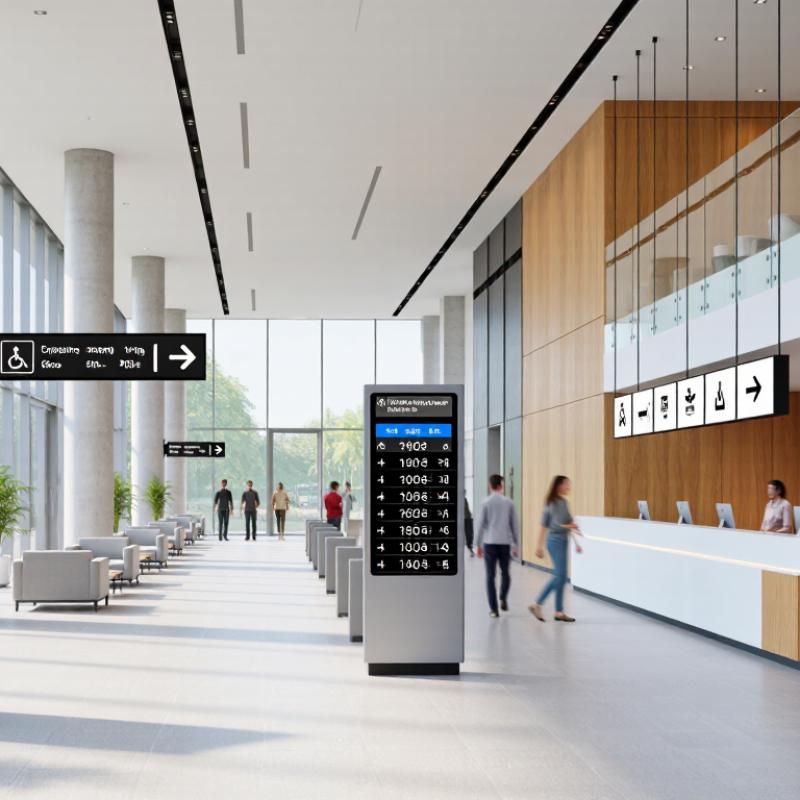
How Service Signs Are Classified by Purpose, Location, and Audience
What Are the Top Types of Service Signs?
Service signs work best when classified by purpose, location, and audience—not just by appearance. Purpose-based signs identify amenities, give directions, or explain how to use a service. A restroom marker answers an immediate need; a reception sign helps visitors choose where to go. Directional signs belong at decision points, such as corridor junctions, not halfway down the route. Small differences matter.
Location shapes the message. Outdoor signs need to be noticed from a distance, while indoor signs often guide people through several steps. Audience matters too: first-time visitors may need plain wording and clear arrows, while staff may rely on shorter labels. The Federal Highway Administration’s 11th edition MUTCD places general service signs in Chapter 2I, showing how consistent categories help drivers recognize services. For permanent room and space signs, the U.S. Access Board’s 2010 ADA Standards specify raised characters at least 1/32 inch high; permitted character height is 5/8 to 2 inches. These measurements support tactile reading, but they do not guarantee a sign is easy to find. A sign can meet a specification and still sit behind an open door. Check sightlines on site, then adjust. That part is often missed.
Identification Signs: ADA 703 Requires Raised Characters and Grade 2 Braille
Identification signs do more than label a room. For people who are blind or have low vision, raised lettering and Braille provide information by touch. The 2010 ADA Standards for Accessible Design, Section 703, specify raised characters and contracted Grade 2 Braille on required tactile signs. Raised characters must be at least 1/32 inch above the sign surface, uppercase, and in a non-decorative style. Small details matter.
Braille must sit directly below the matching text, with spacing and dot dimensions meeting Section 703.3. The standards also set tactile-character mounting heights: the lowest baseline must be at least 48 inches above the floor, and the highest no more than 60 inches. A sign beside a doorway should be reachable without standing in the door swing. Easy to overlook. The CDC’s 2018 disability report found that about one in four U.S. adults has a disability, underscoring why accessible identification matters in everyday public spaces.
A compliant sign can still be difficult to use if glare obscures its surface or nearby objects block access. Contrast helps with visual reading, but it does not replace tactile information. A careful installation check should include a real reach-and-read test, not just a glance at a plan. And, honestly, a checklist alone may miss what a visitor notices first.
What Are the Top Types of Service Signs? - Identification Signs: ADA 703 Requires Raised Characters and Grade 2 Braille
| Sign type |
Typical purpose |
Accessibility guidance |
Examples |
| Identification signs |
Identify permanent rooms or spaces. |
Under ADA Standards §703.1, signs identifying permanent rooms and spaces must have tactile characters that comply with §703.2 and Grade 2 Braille that complies with §703.3. Raised characters must be at least 1/32 inch above the background. Follow applicable character, mounting-height, and location requirements. |
Restroom, Room 204, Conference Room |
| Directional signs |
Guide people to destinations or accessible routes. |
When provided, visual characters must meet the applicable requirements of §703.5, including rules for contrast, finish, and character size. Directional signs generally do not require tactile characters and Braille unless they also identify a permanent room or space. |
Accessible Entrance →, Elevators, Reception |
| Informational signs |
Provide general information about services, facilities, or procedures. |
Visual characters on signs covered by §703.5 must meet its legibility requirements. Tactile text and Braille are required when the sign identifies a permanent room or space, rather than simply providing general information. |
Office hours, Check-in instructions, Floor directory |
| Regulatory and safety signs |
Communicate rules, restrictions, or safety information. |
Use clear, legible visual text and symbols where applicable. ADA tactile-sign rules depend on the sign’s function; a sign identifying a permanent room or space must meet §703.1–§703.3. Other applicable building, fire, and safety codes may impose additional requirements. |
No Smoking, Authorized Personnel Only, Emergency Exit |
| Operational signs |
Explain how to use equipment, fixtures, or services. |
Present instructions in a readable format and provide accessible controls or communication methods where required by the relevant standards. A sign identifying a permanent room or space must have compliant tactile characters and Grade 2 Braille; operating instructions alone do not automatically trigger that requirement. |
Push to Open, Room-control instructions, Service counter call button |
Reference: 2010 ADA Standards for Accessible Design, Section 703. Requirements depend on the sign’s purpose and location; applicable state and local codes may also apply.
Wayfinding Signs: MUTCD D9 Service Signs Use White Legends on Blue
MUTCD D9 service signs use white legends on blue backgrounds, making them distinct from warning and regulatory signs. The Federal Highway Administration’s 11th Edition MUTCD places these signs in Chapter 2I and sets guidance for their symbols, placement, and use. A D9 sign may identify nearby food, lodging, fuel, camping, or other traveler services. The blue field gives drivers a familiar cue; the white symbol or wording carries the specific message. Keep it clear.
FHWA’s 2022 Highway Statistics report records more than 4.1 million miles of public roads in the United States. On such an extensive network, consistent sign design helps drivers scan quickly, especially at highway speeds or in poor weather. A service sign should appear early enough for a safe lane change, with the destination or facility confirmed by a readable legend. Small details matter. A crowded panel can weaken an otherwise recognizable symbol, and local placement can affect how quickly drivers notice it. The MUTCD provides a common framework, but field conditions still deserve review. A sign that looks obvious in a design file may be hard to read beside glare, trees, or competing roadside messages. That gap is worth checking.
What Are the Top Types of Service Signs?
Selected examples of service functions shown on wayfinding signs.
MUTCD D9 service signs use white legends on a blue background. Each bar represents one selected example function; the chart does not show sign counts or how frequently each sign is used.
Safety Signs: OSHA 1910.145 Specifies Red for Danger and Yellow for Caution
What Are the Top Types of Service Signs?
Safety Signs: OSHA 1910.145 Specifies Red for Danger and Yellow for Caution
Safety signs are among the most important service signs because they communicate hazards quickly. Under OSHA 1910.145, red identifies danger, while yellow identifies caution. A red sign may mark an area with an immediate, serious hazard, such as exposed machinery. Yellow can warn people about a slippery floor or a low overhead beam. Clear words and familiar symbols help visitors and workers understand the message at a glance. Seconds matter.
Color alone is not enough. Place signs where people can see them before reaching the hazard, such as beside a doorway or near a wet floor. Keep lettering readable, lighting adequate, and the message specific. “Caution: Wet Floor” gives more useful direction than a vague warning. OSHA’s sign requirements concern accident-prevention signs; not every service sign is a safety sign. That distinction can be easy to miss.
Tips: Check signs during routine walk-throughs. Replace faded, blocked, or damaged signs promptly. Ask someone unfamiliar with the area to read them; their confusion may reveal a real problem.
.png)